
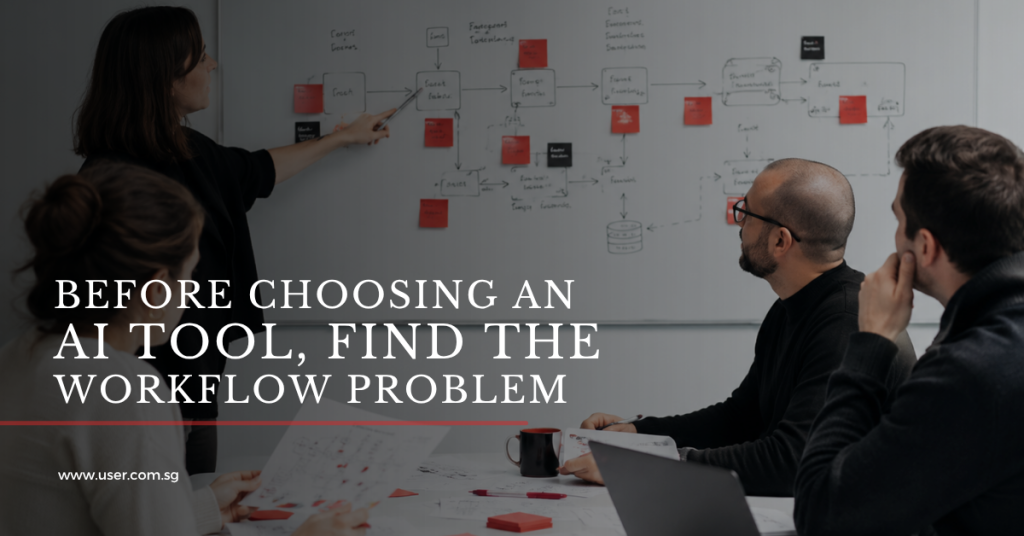
AI use case discovery should begin with a real scene of work, not a tool demo. Before choosing an AI platform, workflow, chatbot, dashboard assistant or automation layer, organisations need to find where work is already slow, repeated, unclear or hard to trust. That is where the practical value of AI usually begins.
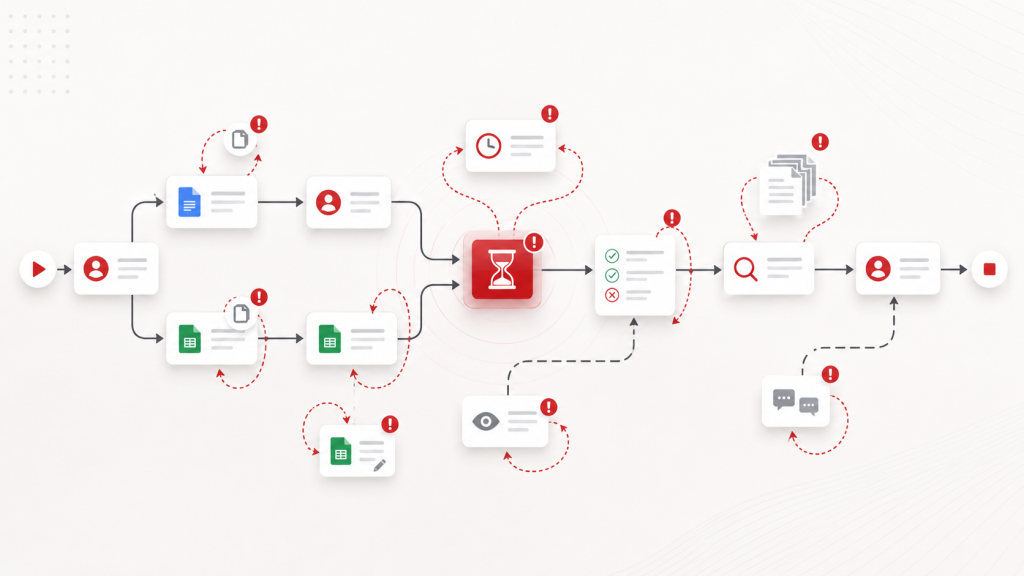
Picture a team preparing the same Monday report every week. Data comes from three systems, a side spreadsheet, a manager’s email thread, and a dashboard that still needs manual checking. Everyone knows the report matters, but nobody can point to one clean source of truth.
This is the kind of workflow signal that deserves attention before anyone asks which AI tool to buy.
AI adoption is no longer a distant experiment. McKinsey’s 2025 global survey reported that 88 percent of respondents said their organisations regularly use AI in at least one business function, up from 78 percent a year earlier. Source: McKinsey.
The pressure to move is real. But moving quickly without understanding the workflow can create weak pilots, unclear value and low adoption. The right question is not only, “Where can we use AI?” The better question is, “Where is the work already showing us that something needs to change?”
In this article, you will learn about AI use discovery, identifying problems in workflows, and how to solve these problems the way our team at User Experience Researchers did.
What is AI use case discovery?
AI use case discovery is the process of identifying where artificial intelligence can support a specific task, decision or workflow with measurable value. It connects the business problem, user need, data source, review process, risk boundary, and success measures before a tool is selected.
This matters because many AI ideas sound useful in a meeting room but become difficult to implement once they meet real work. A strong use case should be clear enough to design, test, govern and improve.
The mistake: starting with what AI can do
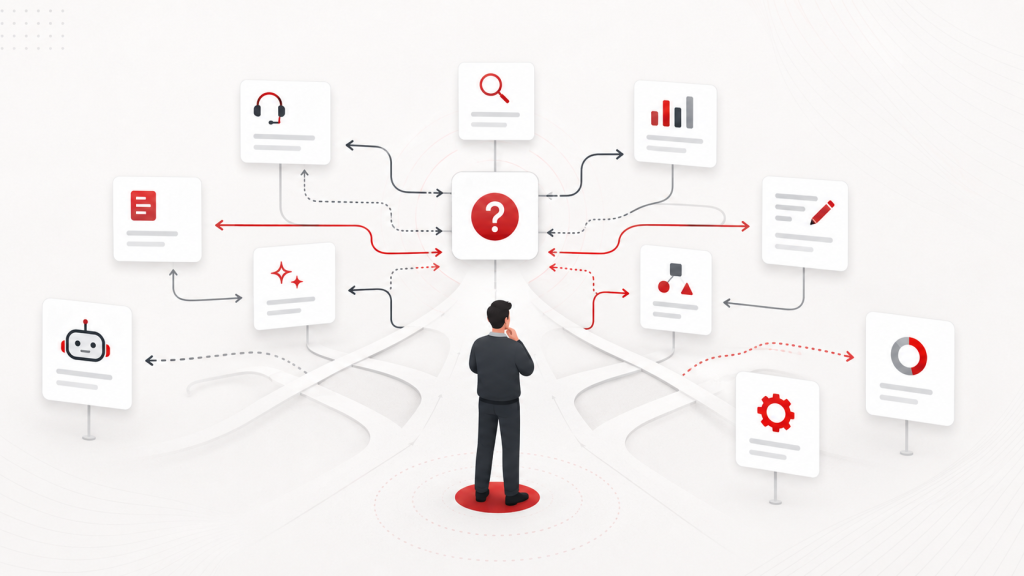
AI is exciting because it can do many things. It can summarise, classify, draft, extract, recommend, answer, compare, generate and search across knowledge. That range is useful, but it can also make teams start too broadly.
A team might say, “Let us use AI for customer support.” Another might say, “Let us use AI for reporting.” Another might say, “Let us build an AI assistant for internal documents.”
All these ideas may be worth exploring, but they are still too broad to implement well. The real design questions come after the headline.
- What customer support problem are we solving?
- Which reports take too long, and why?
- Which documents are current, approved, and trusted?
- Who should review the AI output before anyone acts on it?
- What happens when the AI answer is incomplete, uncertain, or wrong?
- Which decision should become faster, clearer, or more reliable?
Without these answers, an AI pilot can look impressive in a demo and still struggle in daily use. The tool may work, but the use case may be weak. The organisation may collect prompts, experiments, and screenshots, but the actual workflow stays almost the same.
That is where AI adoption loses momentum. People try it, the novelty fades, and leaders ask why the business impact is hard to prove.
The ideal starting point: look for workflow signals
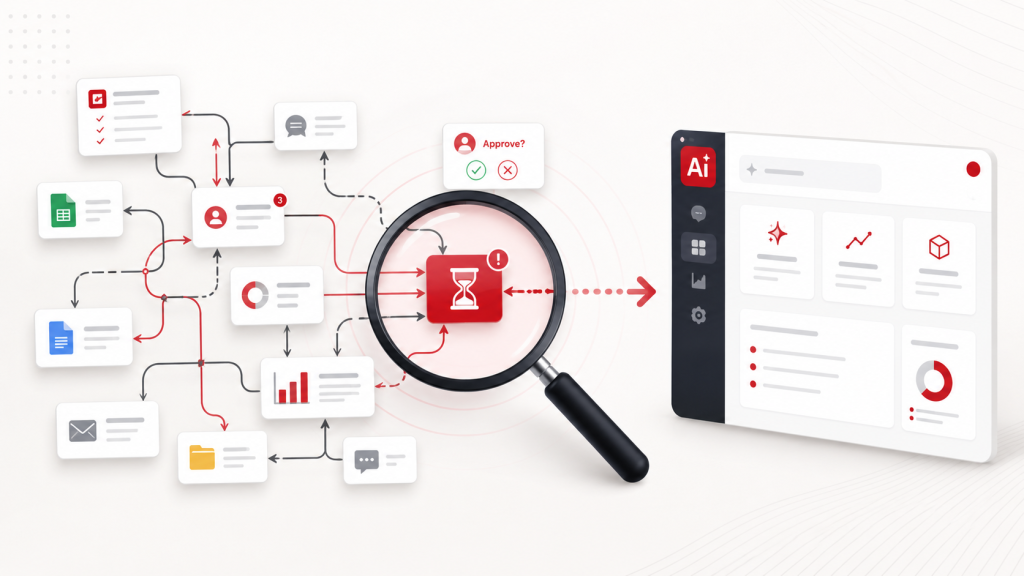
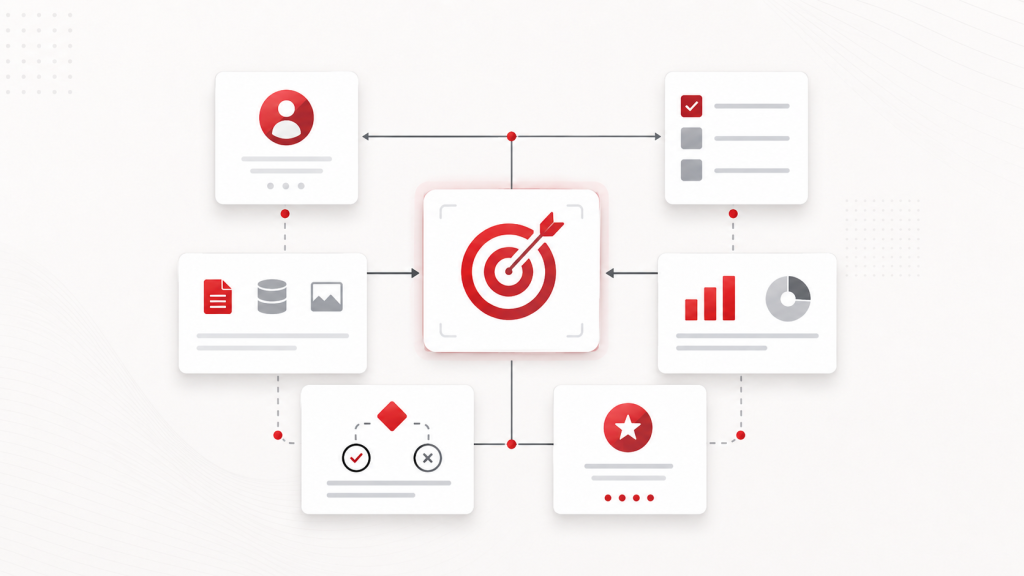
A workflow signal is a repeated behaviour that shows where a process is carrying unnecessary effort, delay, uncertainty, or risk. These signals are often easier to see than a formal business case because they appear in the small workarounds people use every day.
During enterprise workflow reviews, we often see the strongest AI opportunities around the edges of the system: the spreadsheet next to the portal, the weekly chaser email, the manual clean-up before the dashboard, the folder everyone searches before answering a question.
Look for behaviours such as:
- People copying the same information between systems.
- Managers asking for the same weekly update.
- Teams manually combining data from different files.
- Staff searching through long documents to answer common questions.
- Approvals pausing because ownership is unclear.
- Reports needing manual cleaning before they can be used.
- Employees keeping side spreadsheets to track what the main system does not show.
- Users asking support for information that should be easier to find.
These signals matter because they point to real work. They show where time is being spent, where confidence is being lost, and where people are compensating for the limits of the current process.
At User Experience Researchers (USER), this is where we believe AI readiness should begin. We look at the workflow, the data, the user journey, the decision points and the people affected by the process before recommending a tool.
The aim is not to just use AI everywhere. The aim is to find where AI can support a clearer, faster and more reliable way of working. Raw AI utilisation isn’t the one-all-be-all technique in solving problems.
A useful AI use case has a clear job to do
The most useful AI use cases can answer one simple question: What job should AI help with?
That job should be specific enough to design, test, and measure. “Use AI for reporting” is too broad. A clearer use case would be:
Help operations managers summarise weekly project status from approved data sources so they can identify delays before the Monday meeting.
That version includes the user, the task, the input, the output and the decision it should support.
“Use AI for HR” is also too broad. A stronger use case would be:
Help employees find relevant policy answers from approved HR documents, while showing source references and escalation options for complex cases.
This version defines what the user needs, the trusted knowledge source, the trust requirement, and the recovery path.
A good AI use case should never be a vague ambition. It should be a well-defined job inside a real workflow.
Weak AI idea versus stronger AI use case
| Weak AI idea | Stronger AI use case |
| Use AI for reporting | Summarise weekly project status from approved data sources so managers can identify delays before the Monday meeting. |
| Build an HR chatbot | Answer common policy questions from approved HR documents, with source references and escalation routes. |
| Automate customer support | Classify incoming service enquiries, suggest next actions and route high-risk cases to the right team. |
| Add AI to dashboards | Explain changes in key metrics and flag missing data before leaders make decisions. |
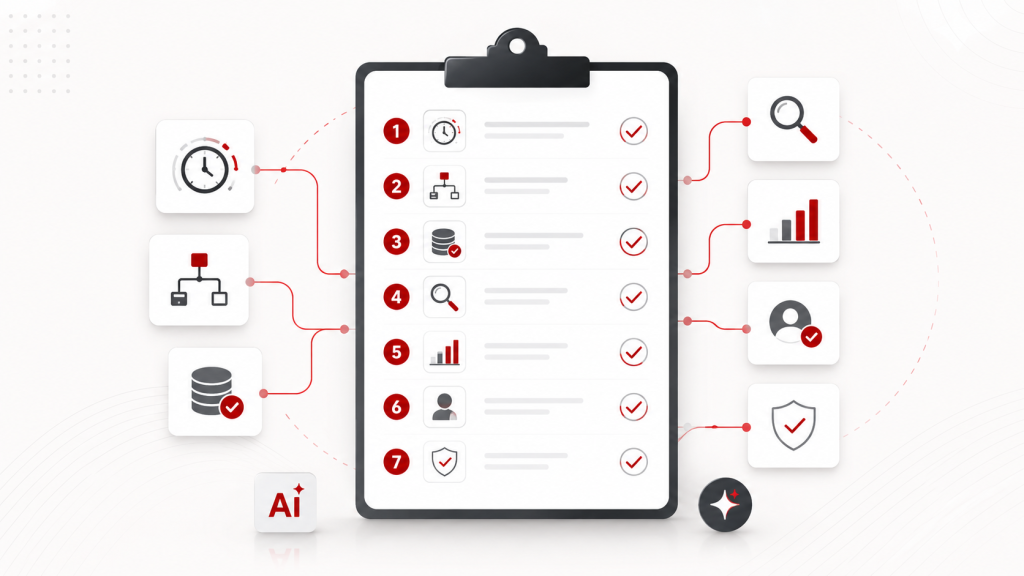
The seven-question filter for AI use cases
Before investing in a solution for AI uses case discovery, teams can use this practical filter. It is designed to reveal whether the problem is frequent, clear, measurable, usable, and safe enough to test.
| AI use case question | What to check before choosing the tool |
| 1. Is the problem frequent enough to matter? | Look for work that happens every day or every week, especially across teams. Repeated reporting, repeated enquiries, document review, classification and approval checks are stronger candidates than one-off tasks. |
| 2. Is the workflow clear enough to describe? | Map where the process starts, who owns each step, what information is needed, where work slows down and what happens after the output is produced. |
| 3. Is the data available, reliable and usable? | Check where the data comes from, who maintains it, how often it is updated, whether definitions are consistent and whether the AI output can show its source. |
| 4. Can the output be reviewed? | Decide who needs to check, approve, correct or escalate the output. A draft email, policy answer, financial recommendation and public-facing response should not share the same review model. |
| 5. Is there a measurable outcome? | Define what should improve. Examples include reduced preparation time, fewer repeated support questions, faster review, lower manual entry, improved consistency or reduced rework. |
| 6. Is it useful to the people doing the work? | Use research and usability testing to understand whether the AI-supported workflow reduces effort, builds trust and fits the way people actually complete the task. |
| 7. Is it safe enough to test? | Start with a clear pilot boundary. Define the user group, task scope, data source, review process, risk limit, feedback loop and decision after testing. |
This filter also supports governance. The NIST AI Risk Management Framework organises AI risk management around Govern, Map, Measure and Manage functions, which is a useful reminder that AI use cases should be understood in context, measured for impact and actively managed through their lifecycle.
Reference: NIST AI Risk Management Framework and AI RMF Core.
Useful AI often sits inside ordinary work
The strongest AI opportunities are not always dramatic. They are often found in everyday tasks that quietly consume time and attention.
AI may help teams:
- Summarise long documents.
- Search for approved knowledge bases.
- Draft first versions of content.
- Classify incoming requests.
- Prepare meeting summaries.
- Extract key points from reports.
- Compare documents for differences.
- Identify missing information.
- Suggest next steps in a workflow.
- Support dashboard explanations.
- Triage service enquiries.
- Generate structured records from unstructured inputs.
The above uses are practical because they sit close to existing work. But each still needs a process around it. Who checks the summary? What sources are allowed? What happens when information is missing? How does the user correct the output? Where is the final record stored?
AI does not remove the need for workflow design. It increases the importance of it.
Sometimes, the better answer is not AI
A mature AI use case review may lead to an important conclusion: AI is not always the right first solution.
Sometimes the better answer is:
- A clearer form.
- A better dashboard.
- A Power Apps workflow.
- A Power BI report.
- A sanitized knowledge base.
- A content migration exercise.
- A ServiceNow workflow improvement.
- A CMS structure review.
- A business process re-engineering exercise.
- A bespoke system.
- A usability review.
- A copywriting improvement.
- A training or change management plan.
Considering the above factors leads to good decision making. The purpose of AI use case discovery is to identify the most effective way to reduce friction, improve decisions and support users. In some cases, AI is the right layer. In other cases, the workflow needs to be redesigned first.
A practical AI use case discovery process
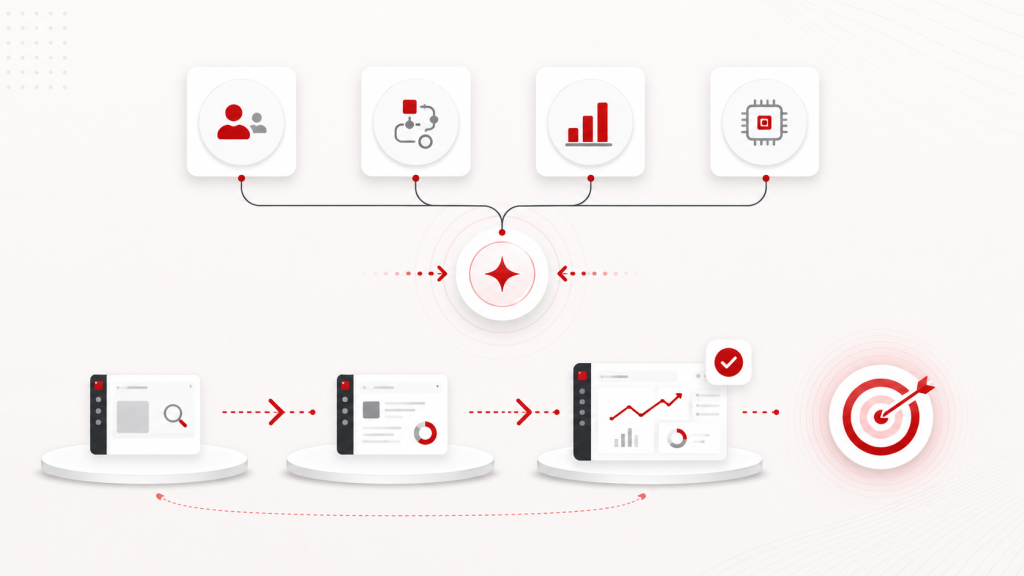
For organisations exploring AI, we recommend a structured discovery process that starts with the work rather than the tool.
Step 1: List the pressure points
Ask teams where work feels slow, repetitive, unclear, or overly manual. Look for behaviours such as chasing, checking, copying, waiting, correcting, searching and clarifying.
Step 2: Group problems by workflow
Do not group ideas only by department. Group them by reporting workflows, approval, workflows, knowledge retrieval workflows, customer support workflows, HR service workflows, content workflows or finance review workflows.
Step 3: Define the user and decision
Identify who experiences the problem and what action should improve. Each use case should be tied to a user, a task and an outcome.
Step 4: Check the data and content foundation
Review whether the information needed for the use case is available, current, structured, and trustworthy. If the foundation is weak, fix it before expecting AI to create value.
Step 5: Design the human review point
Decide where people stay in control. This includes review, approval, correction, escalation, and audit trails.
Step 6: Test with real users
Do not rely only on internal enthusiasm. Test whether the AI-supported workflow helps people complete the task with less effort, more confidence, or better quality.
Step 7: Measure and improve
Track whether the use case improves the intended outcome. If it does not, review the workflow again. The issue may be the data, interface, prompt design, user expectation, risk control, or process itself.
USER follows the above seps as a basic routine for AI use case discovery. Depending on what needs to be done, the process is aligned with the project’s objectives and refined to ensure the best use cases can be presented, helping decision-makers save resources when investing in AI tools.
What this means for business leaders
For leaders, the question is not, “How many AI tools are we using?” A stronger question is, “Where is AI improving the way work gets done?”
That shift matters. An organisation can have high AI activity and still have low business impact. People may be prompting, summarising, drafting and experimenting, while the workflow remains fragmented.
The real value appears when AI is connected to a clearer operating model. That means the organisation understands which tasks should be augmented, which decisions need support, which data sources are trusted, which outputs need review and which measures define success.
Microsoft’s 2025 Work Trend Index reported that 82 percent of leaders said the year was pivotal for rethinking core aspects of strategy and operations. Source: Microsoft.
That is the right frame for AI adoption. The challenge is not only choosing the tool. It is designing the work around it.
AI value comes from the combination of technology, workflow design, data quality, governance and user adoption.
How User Experience Researchers can help
At User Experience Researchers, we help organisations identify practical AI opportunities by starting with the work.
Our approach connects AI Solutions, Business Process Re-engineering plus AI Tool, UX Consulting, Analytics Projects, Microsoft Power Apps, Copilot, Power BI, bespoke development, user research and usability testing.
We help teams answer the questions that matter before implementation:
- Where is the workflow creating hidden effort?
- Which use cases are worth testing first?
- What data and content are needed?
- Who should review the AI output?
- What experience will users need to trust and use it?
- How should success be measured?
- What should be redesigned before AI is introduced?
The right AI use case is not always the one that sounds most advanced. It is the one that solves a real workflow problem, supports a clear decision and creates value people can feel in daily work.
If our organisation is exploring AI, automation, Copilot, Power BI or workflow redesign, it may be time to review the process before choosing the tool. Connect with User Experience Researchers at project@user.com.sg or visit our contact page.
FAQ: AI use case discovery
The first step is to identify the workflow problem. Teams should map where work is repeated, manual, unclear or risky before deciding whether AI, automation, analytics or process redesign is the right solution.
An AI use case is worth testing when the problem happens frequently, the workflow is clear, the data is reliable, the output can be reviewed and the success measure is defined before the pilot begins.
Many AI pilots struggle because the use case is too broad, the data foundation is weak, the review process is unclear or the tool does not fit how people actually work.
No. Some workflow problems are better solved through clearer content, better forms, improved dashboards, Power Apps workflows, knowledge base clean-up, ServiceNow improvements, business process redesign or usability testing.
UX research helps teams understand real tasks, decision points, workarounds, trust requirements and usability barriers. This makes AI-supported workflows easier to design, test, govern and adopt.

