
Maya’s tracker was not in the implementation plan
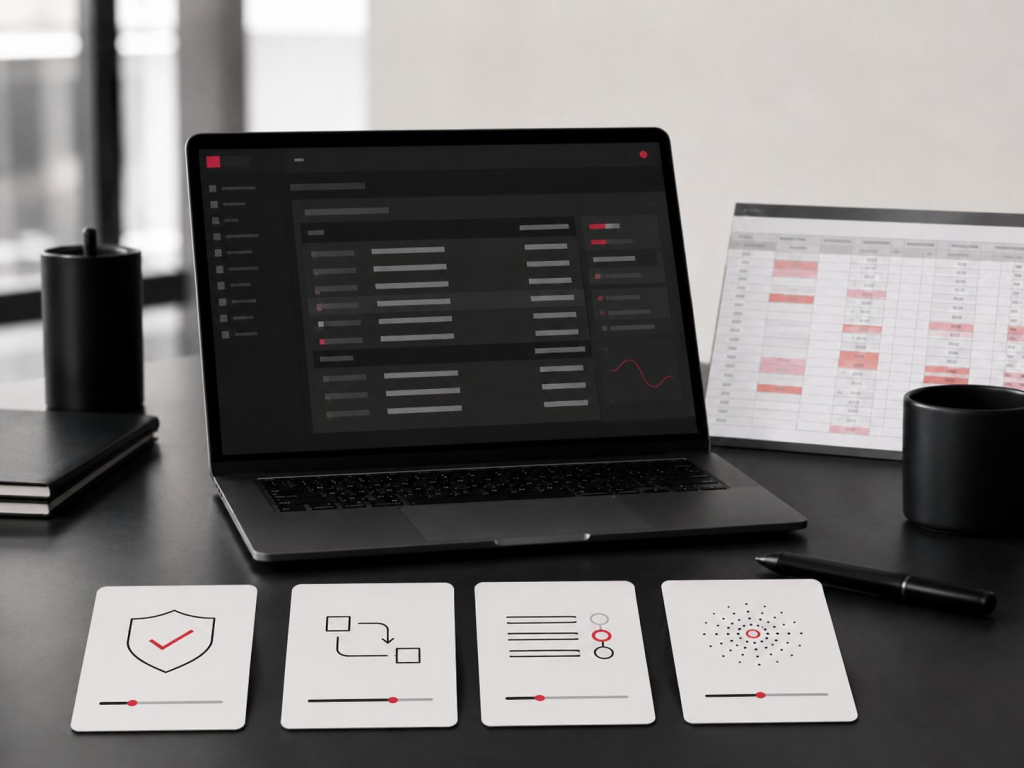
Maya opened the new approval portal at 8:57 a.m. The dashboard was working. The request queue was visible. The latest submission from Daniel in Operations was marked as “In Review”. Nothing looked broken.
Then she opened the spreadsheet beside it.
On the row for Daniel’s request, she wrote: “Waiting for Finance. Vendor used old template. Check with Priya before 3 p.m. Escalate if budget code is still missing.”
The official system has the records. The spreadsheet has the working memory.
The short story above shows the “small actions” that product teams need to study. The side spreadsheet is rarely there because users enjoy duplication. It is usually there because the official system does not yet help people see, remember, trust, or recover from the parts of work that matter in real life.
To management, the spreadsheet can look like resistance. To product teams, it can look like poor adoption. To the person responsible for the case, it often feels like a safety layer.
The side spreadsheet is not a user problem. It is a product signal.
It shows where the product does not fully match the real work. It reveals what users still monitor, interpret, chase, correct, remember, or explain outside the system.
The better question is not, “Why are users refusing to use the system?”
The better question is: what does the spreadsheet know that the system does not?
What is a side spreadsheet?
A side spreadsheet is a manual tracker that users keep beside the official product, portal, dashboard, or workflow system.
It may live in Excel, Google Sheets, SharePoint, Teams, or on someone’s desktop. It may track urgent cases, pending approvals, follow-up dates, people to check with, exceptions, risk notes, missing documents, or decisions that need explanation later.
It is called “side” because it sits outside the formal system. But it often contains the reality of how work gets done: the judgement, context, reminders, and trust checks that the product has not captured yet.
The system went live, but the spreadsheet stayed
The system went live, but the spreadsheet stayed
Many enterprise systems are judged by whether they were delivered on time, within scope, and according to functional requirements.
Here’s what happens behind the scenes:
The product has the requested modules. The forms are there. The approval flow exists. The reports can be exported. The system technically works.
But work does not only happen inside screens.
Work also happens in the waiting, checking, handovers, follow-ups, exceptions, escalations, reminders, and decisions that sit between official steps.
This is where many products lose users.
A user may submit a request in the system but still record it in a spreadsheet because they need to remember who to chase if nothing happens by Thursday.
A manager may approve items in the dashboard but still keep a separate list because the system does not show which cases are sensitive, urgent, or risky.
A finance officer may process claims in the platform but still maintain a manual tracker because the system does not clearly show what has been checked, what is missing, and what may come back later.
The spreadsheet remains because the official system is handling the transaction, but not the surrounding workflow.
That distinction matters. A transaction can be digitised without the workflow becoming clear. A process can be automated without the user feeling confident. A dashboard can display data without helping someone decide what to do next.
Why users create side spreadsheets
Users rarely create side spreadsheets because they enjoy duplication.They create them because something in the workflow still feels unfinished, unclear, risky, or invisible.
The spreadsheet becomes a local intelligence layer where users capture what the system misses.
They are tracking what the system does not make visible
One of the most common reasons users keep a spreadsheet is visibility.The system may show individual records, but not the full working picture.
For example, a case officer may need to see all pending cases by urgency, responsible party, next action, and risk. The system may only show a basic status such as submitted, in review, or completed.
That status may be technically correct, but operationally weak.
“In review” does not tell the user who has the file. It does not show whether anything is stuck. It does not explain whether the delay is normal,it does not show what action is needed that day.
In response, the user creates their own columns: pending, urgent, need to call, waiting for document, escalated, check again Friday.
The spreadsheet becomes the view they wish the system had.
They are managing exceptions the system does not handle
Enterprise workflows are full of exceptions.
How often have enterprises seen these examples happen? A customer submits incomplete information. A vendor uses an old format. A department needs an approval route that only applies to one case. A public-sector officer needs to handle a sensitive request with extra care. A finance team needs to separate ordinary cases from cases that may need audit attention.
Many systems are designed around the “happy” path, but users live with the messy path.
When the system does not support exceptions well, users create external notes. They need somewhere to record what is unusual, what has been agreed, who was informed, and what should happen if the case returns.
The side spreadsheet becomes the “exception” memory, essentially,a product signal, because exceptions are often where trust breaks. If the product only works when everything is clean, complete, and standard, users will create their own safety net for the situations that matter most.
They are protecting themselves from uncertainty
A spreadsheet can also be a shield.
In many organisations, users are held accountable for outcomes even when the system does not give them enough clarity to manage those outcomes confidently.
If a request is delayed, someone will ask why. If an approval is missed, someone will ask who was responsible. If a case falls through, someone will ask what happened. If an AI recommendation is questioned, someone will ask what evidence supported the decision.
When the product does not provide enough traceability, users create their own.
They record dates, names, notes, screenshots, comments, and reminders because they need to protect the workflow and themselves.
This behaviour is practical. A user who keeps a separate tracker may be telling us: I do not fully trust that the system will show me what I need when someone asks later.
That is an adoption signal, and is also a trust signal.
They are creating a workflow view the product failed to provide
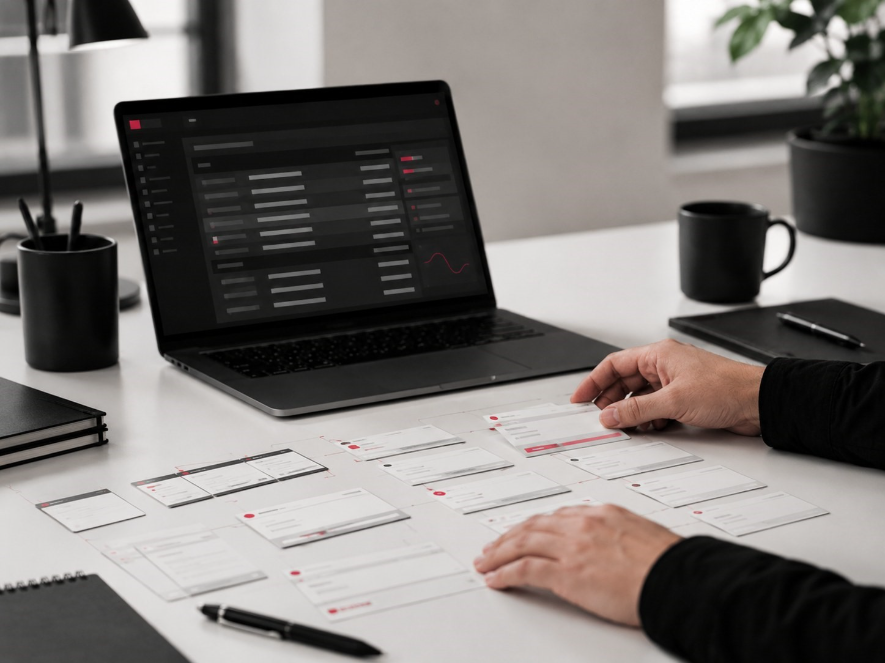
Many products are designed around data fields and system states.
Users think in terms of work:
What needs my attention today? Which cases are at risk? Who is waiting for me? What can I safely ignore? What needs escalation? What has changed since yesterday? What decision do I need to make next?
If the product cannot answer these questions clearly, users will build a view that can.
This is why the side spreadsheet is often more than a duplicate record. It is a behaviour map.
It shows how users actually organise the work in their heads. It shows the categories that matter to them, the language they use, the moments of uncertainty, the handoffs they worry about, and what the official workflow does not explain.
For a UX and AI team, this is valuable intelligence.
What the side spreadsheet reveals about product adoption
A side spreadsheet is not only an operational artefact. It can reveal deeper product and workflow issues.
A trust gap
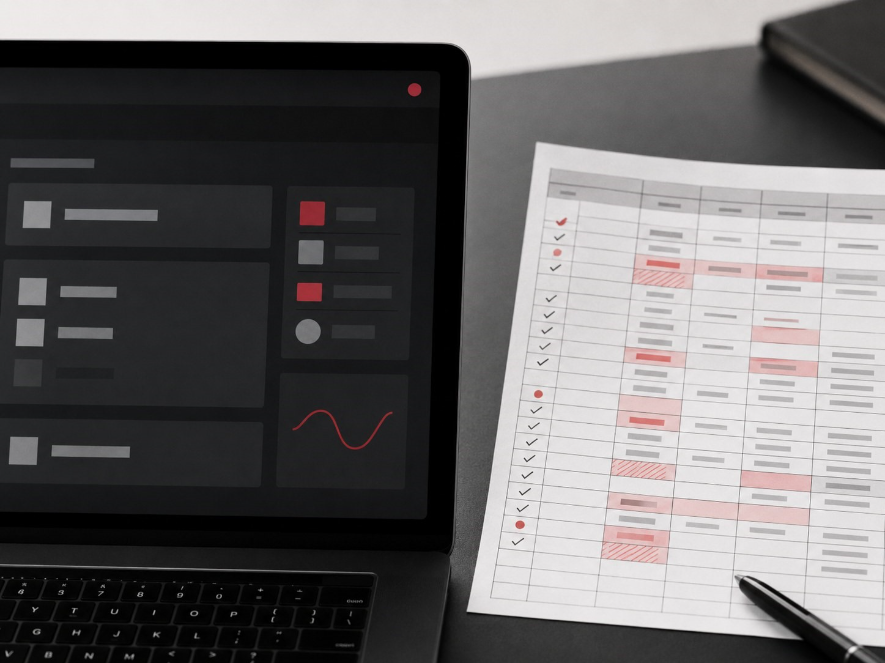
Users create backup systems when they do not fully trust the official version.
This does not always mean the system is broken. Sometimes it means the system does not reassure users at the moments where confidence matters.
For example, a user may need to know whether an action was saved, whether the request moved to the right person, whether approval can be proven, whether they will be notified if something changes, whether they can recover from a mistake, and whether a recommendation is reliable enough to act on.
If the system does not answer these questions clearly, users may keep their own records.
Trust is not built only through security statements or successful logins. It is built through small moments of clarity across the workflow: a confirmation message, a visible audit trail, a clear next step, a meaningful status, a way to recover from errors, and a record that can be trusted later.
When these are weak, the spreadsheet fills the gap.
A workflow gap
A system can capture data without supporting the workflow around the data.
The product may allow users to submit, approve, assign, and export. But the real work may require prioritising, interpreting, coordinating, escalating, and checking.
Those actions are often less visible during requirements gathering because they do not always appear as formal process steps. They show up in everyday behaviours.
People send follow-up messages. People keep private notes. People ask colleagues for status updates. People copy information into Excel. People create colour codes and manual flags. People build their own real dashboard outside the dashboard.
These behaviours tell us where the workflow is not fully supported.
A decision gap
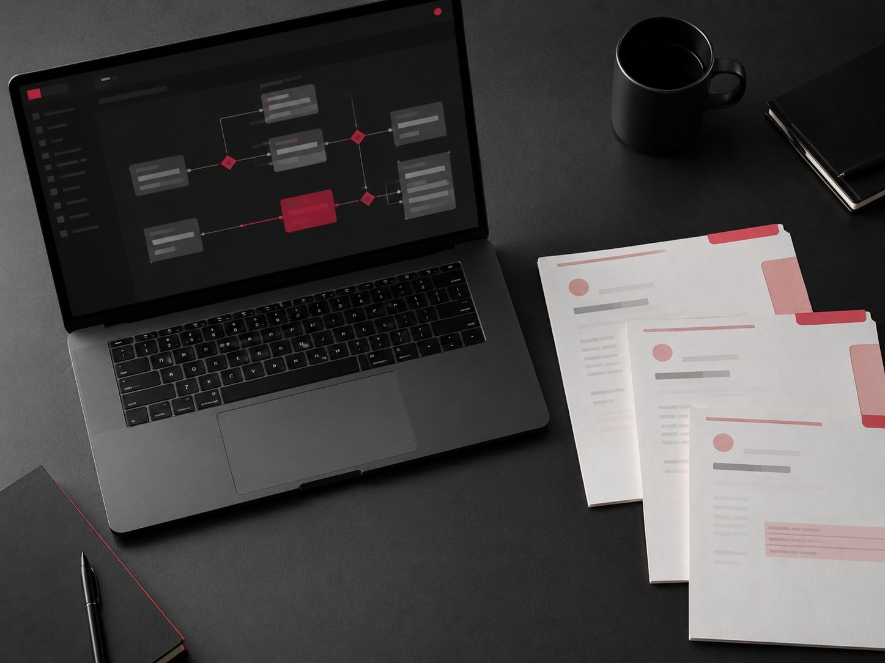
Side spreadsheets often reveal where users need better decision support.
A dashboard may show many records, but still fail to answer the most important question: what should I pay attention to now?
In operational environments, users need to make decisions under time pressure.
They need to decide which request to process first, which case needs escalation, which item can wait, which record looks risky, which applicant needs clarification, or which customer interaction needs human review.
If the product only presents information, users may create their own scoring, labels, filters, or notes to help them decide.This urgency is also crucial in AI-powered transformation.
AI is often introduced to improve speed, prediction, classification, or decision-making. But if the current workflow already requires users to build their own decision layer outside the system, AI may amplify confusion rather than reduce it.
Before adding AI, teams need to understand the decision logic already living inside the side spreadsheet.
An AI readiness gap
The side spreadsheet is also an AI readiness signal.
If users are maintaining manual trackers because the system does not reflect the real workflow, then AI implementation will inherit those gaps.
An AI model may classify cases, recommend actions, or generate summaries. But if the workflow around that AI remains unclear, users may still ask why the AI suggested something, whether they can override it, who checks the output, what happens if the recommendation is wrong, where they should record their judgement, and how they can explain the decision later.
AI adoption starts with user behaviour.
If users do not trust the current workflow, they will not automatically trust the AI layer added on top of it.
This is why behavioural intelligence matters. We need to understand how people actually work before we design AI that acts within that work.
Why this matters more in AI-enabled workflows

As LLMs evolve and get better for businesses, its utilisation will also expand. The next wave of enterprise AI will not only answer questions. It will support decisions, monitor interactions, trigger workflows, summarise cases, recommend actions, and assist with complex operations.
This makes the side spreadsheet even more important.
In a traditional system, a side spreadsheet may reveal missing visibility or workflow gaps. In an AI-enabled system, it may reveal where users do not trust machine recommendations, where human judgement is still needed, where accountability is unclear, where users need an explanation before acting, and where automation should pause instead of proceed.
This is especially important in public-sector, financial, HR, education, healthcare, and regulated enterprise environments.
A simple AI output is rarely enough.
Users need to know when to trust it, when to question it, when to escalate it, and how to explain the decision if challenged later.
If those behaviours are not understood, AI may be deployed but not adopted deeply.
The tool exists. The workflow remains fragile. The spreadsheet stays.
What product teams should study inside the spreadsheet
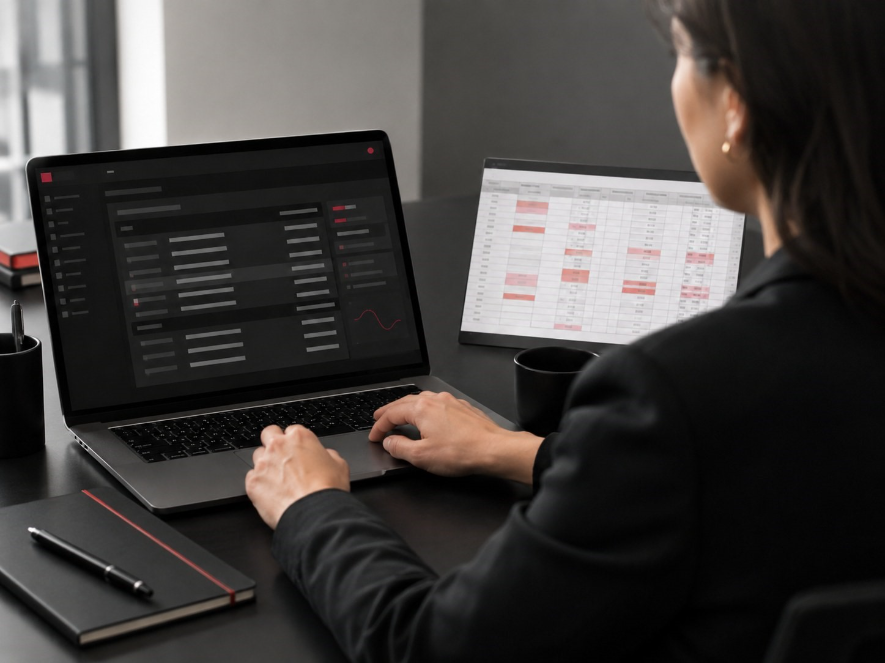
A side spreadsheet can become a powerful research artefact if teams study it properly.
Instead of treating it as a compliance issue or user bad habit, product teams should look at what it contains.
- Study the columns. Column names often reveal the user’s mental model. If users create columns like urgent, waiting for reply, needs director approval, or risky case, those categories may be more meaningful than the system’s official labels.
- Study the colour codes. Colour coding often reveals priority, anxiety, or hidden workflow rules. Red may mean urgent. Yellow may mean uncertain. Grey may mean waiting. Green may mean safe.
- Study the notes. Free-text notes often contain the human context missing from structured fields. They may explain why a case is sensitive, why a user hesitated, or why an approval path changed.
- Study the duplicated fields. If users copy fields from the system into a spreadsheet, ask why. It may mean they need a combined view, faster access, offline review, easier filtering, or a record they feel they can control.
- Study the manual reminders. Reminders show where the system is not supporting follow-through. If users create check again, call tomorrow, or follow up next week columns, the product may need better task management or workflow alerts.
- Study the exceptions. Exceptions reveal where the formal workflow does not match operational reality. These are often the areas where better UX, clearer rules, or human-centred AI can create significant value.
At User Experience Researchers – one of Asia’s leading AI consultancy agencies, we see the side spreadsheet as a new component of training LLMs to understand workflows and user behaviour, combining human ingenuity with the technical accuracy of powerful tools.
The spreadsheet is not merely a workaround. It is a map of unmet needs.
How User Experience Researchers helps teams turn side spreadsheets into better systems
We help enterprise and public-sector teams understand the human behaviour behind digital adoption.
The side spreadsheet is one of the clearest signals that a workflow deserves closer study.
Our work combines UX research, behavioural intelligence, AI understanding, and enterprise workflow analysis to help teams see what users are really doing around the system.
- Mapping where users leave the product to manage work elsewhere.
- Identifying repeated manual checks, follow-ups, reminders, and workarounds.
- Studying trust breaks in statuses, confirmations, dashboards, and AI outputs.
- Understanding the decision patterns behind user-created trackers.
- Revealing which workflow steps need redesign before automation.
- Translating behavioural signals into product, dashboard, and AI requirements.
- Helping teams move from AI pilot to production-grade workflow.
This is where AI User Behaviour Intelligence becomes practical.
It is not only about collecting more data. It is about understanding what behaviour means.
A spreadsheet beside the system may show that users need clearer status visibility. It may show that approvals are too difficult to interpret. It may show that exceptions need a better route. It may show that AI recommendations need explanation and human oversight. It may show that the product has digitised the process, but not yet supported the work.
When organisations study these signals early, they can make better decisions about what to redesign, automate, monitor, or escalate.
Final thoughts: study the workaround before blaming the user

When users create side spreadsheets, they often do unpaid product design.
They are building the view they need. They are tracking the risks they see. They are creating reminders that the system forgot. They are recording the context the workflow did not capture. They are protecting the organisation from dropped tasks, unclear ownership, and missed decisions.
The question is not whether the spreadsheet should exist forever.
The question is what it is trying to tell us.
For enterprise AI and digital transformation teams, this matters.
AI value depends on how people actually use it. Product adoption depends on whether the workflow feels clear, trustworthy, and useful. Digital transformation becomes meaningful when the system supports the real decisions, handoffs, and behaviours that shape the work.
The side spreadsheet is not a failure of the user. It is evidence.
If we study it carefully, it can show us where the next version of the product needs to become more human, more useful, and more ready for AI.
At User Experience Researchers, we help organisations uncover the behavioural signals behind workflow friction, product adoption, and AI readiness. If your team is preparing to redesign an enterprise system, improve adoption, or move AI from pilot to production, we can help you study how people actually work before deciding what to build next.

